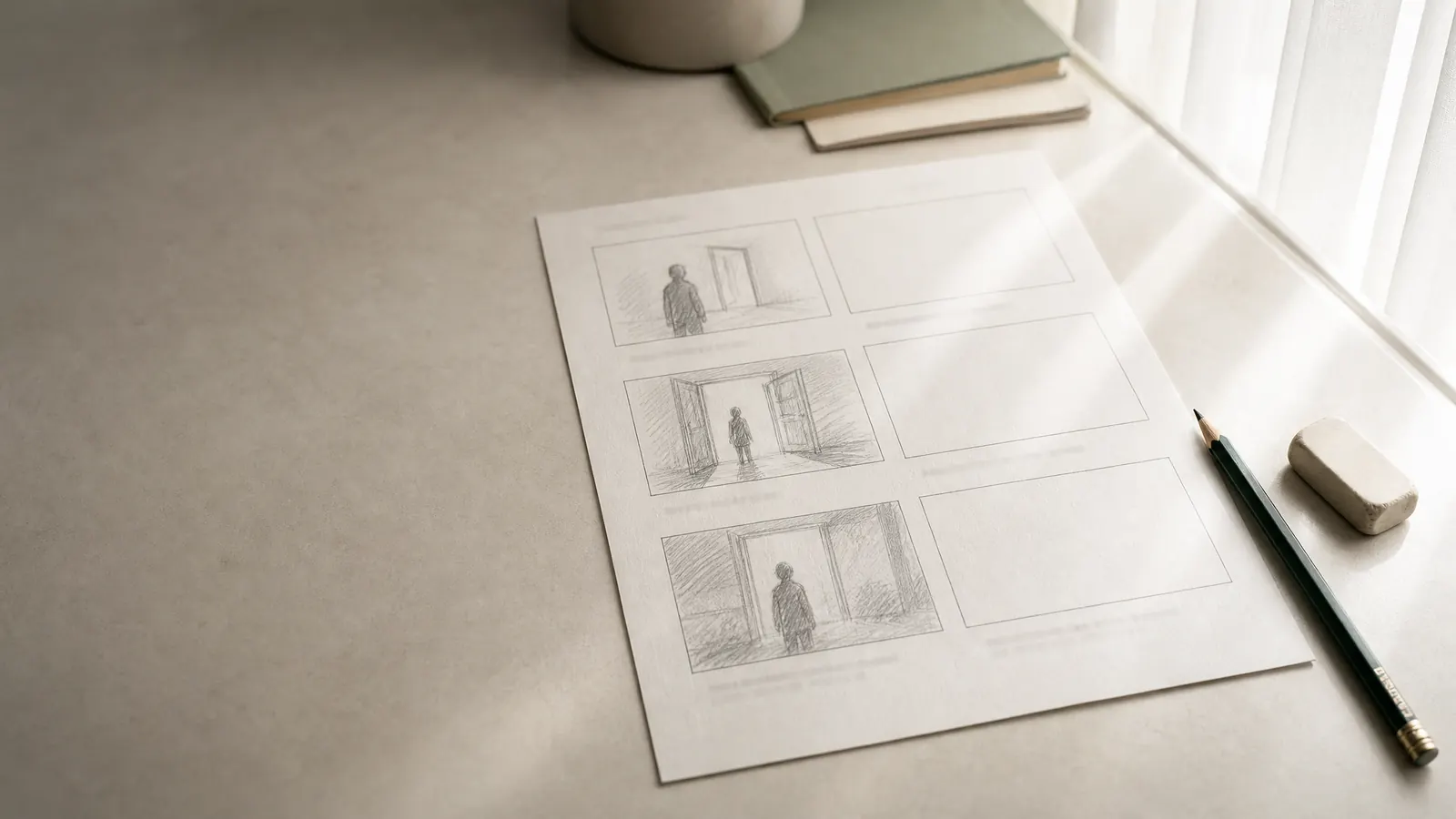
A storyboard template is a page of empty frames, each with fields underneath for the scene and shot number, shot size, camera move, action, dialogue or sound and duration. Filled in from the script, it shows the director, cinematographer and editor what each shot looks like and in what order the shots cut together.
This page gives you the panel fields, two page layouts that work on ordinary paper, a filled storyboard for a short original scene and a method for boarding a scene when you cannot draw. If you only need the shots in a table, the shot list template is the faster tool; storyboards earn their time on scenes where framing, movement or timing carries the story.
What is a storyboard?
A storyboard is a sequence of small pictures, one per shot, that previews how a scene will look on screen before anything is filmed. Each panel shows the frame — who is in it, how big, from where — and the notes under it say what moves, what is heard and how long it lasts. Read left to right, the panels play like a comic strip of the finished cut.
Storyboards are a production document. A spec screenplay does not include them, and a writer does not need them to sell a script. They become useful once a scene is going to be shot: for action, stunts, effects, scenes with many setups and anything the crew has to build or rehearse.
The storyboard template: fields for each panel
Copy these fields under every frame. The first four identify the shot; the rest describe it.
- Scene and shot number: the scene number from the script and a shot number within it (12-1, 12-2, or 12-2A for a shot added later). Use the same numbers as your shot list.
- Frame: the picture itself, drawn at the aspect ratio you will deliver: 16:9 for most screens, 2.39:1 for widescreen cinema, 9:16 for vertical video.
- Shot size: WS, MS, MCU, CU, ECU, OTS, POV or insert.
- Angle: eye level, high, low or overhead, when it is not eye level.
- Camera move: static, pan, tilt, dolly, handheld, crane or zoom. Draw an arrow inside the frame for the direction and an arrow outside it for a move that reframes.
- Action: one sentence on what happens in the shot, in present tense.
- Dialogue or sound: the line spoken over this frame, or the key sound: a door chime, rain, silence.
- Duration: an estimate in seconds. The panels for a scene should add up to roughly its screen time.
- Transition or note: a cut, dissolve or match cut into the next panel, plus anything the crew needs: a prop, an effect, a performance note.
Download the storyboard template
Two printable PDFs, free and without sign-up. Each has two letter-size pages with a header for the project, scene and page number, and under every frame the four fields a crew reads first: shot, size, move and seconds, plus two lines for action and sound.
Storyboard template, 16:9 (PDF)Six landscape frames per page, for film, TV and most online video
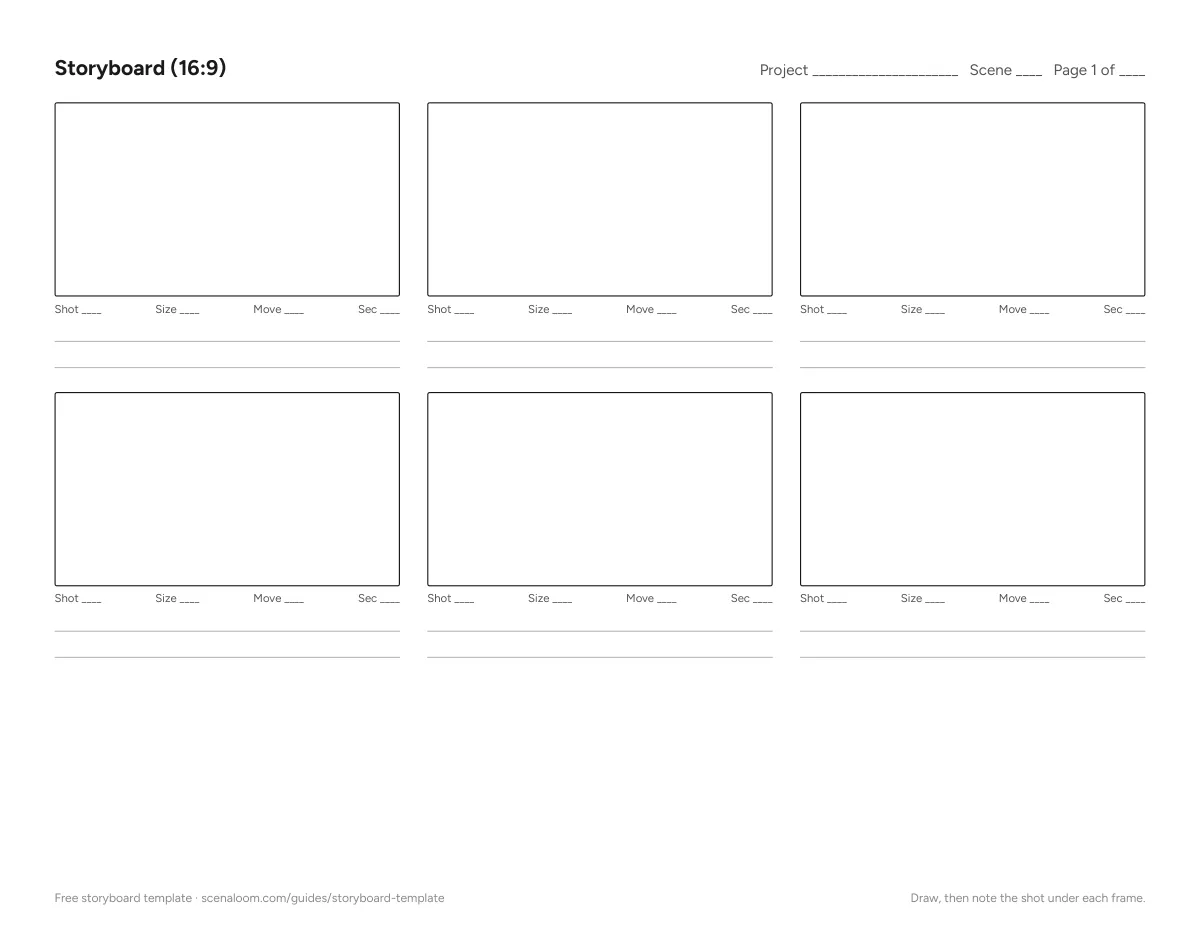
Print at 100% scale. For a digital board, open the PDF in any drawing app that accepts PDFs and sketch on a layer above it.
Storyboard layouts: 3×2 and 2×3
Two page layouts cover most needs. Pick one per project so pages can be shuffled and compared.
3×2 landscape: six panels per page
Turn the page to landscape and draw three frames across and two down, with three or four ruled lines under each frame for the fields. This layout reads like the cut itself, left to right, and fits a scene of six to twelve shots on one or two pages. It suits short films, commercials and music videos.
2×3 portrait: frames with notes beside them
Keep the page upright and draw two columns of three frames, or one column of frames with the fields in a wider box to the right. There is less picture per page but much more room for notes, which helps on dialogue scenes, stunts and effects shots where the crew needs instructions as much as images.
Whichever layout you choose, put the project title, scene number and page number in a header on every sheet. Boards get pulled apart on set.
A filled storyboard example
Here is a short original scene, followed by the storyboard for it written out panel by panel. In a real board each entry sits under a drawn frame; the text is what goes in the fields.
EXT. BUS SHELTER - NIGHT

Rain. MARGO (40s), soaked, checks her phone: 0%. The screen dies.

Headlights swing across the shelter. A night bus slows — and keeps going.

MARGO
No. No, no —

She runs after it. Her phone falls in a puddle, face up, dark.

The bus stops. The doors hiss open.
- Scene 4, shot 1: WS, eye level, static. The shelter alone in heavy rain, Margo small under the roof. Sound: rain on the roof. About 4 seconds.
- Scene 4, shot 2: Insert, high angle, static. The phone in her hand: battery 0%, then the screen goes black. Sound: rain, muffled. About 3 seconds.
- Scene 4, shot 3: MS, eye level, static. Margo looks up as headlights sweep across her face from frame left. About 3 seconds.
- Scene 4, shot 4: WS, low angle, pan right. The bus passes through frame without stopping; spray from the wheels. Margo: "No. No, no —" About 4 seconds.
- Scene 4, shot 5: MS, handheld, tracking. Margo runs after the bus, away from camera. About 3 seconds.
- Scene 4, shot 6: ECU, overhead, static. The phone lands face up in a puddle, screen dark, rain hitting it. About 2 seconds.
- Scene 4, shot 7: WS, eye level, static. Down the street, the bus brakes. Its doors open; light spills onto the wet road. Sound: door hiss. About 4 seconds. Cut to black.
Seven panels, about 23 seconds, for roughly a third of a page of script. Notice where the board makes choices the script left open: the phone gets two inserts because it is the story's object, and the bus passes in a wide shot because the audience must see that it does not stop before Margo does.
How to storyboard a scene, step by step
- Read the scene and mark each beat — every moment the situation changes. A beat needs at least one panel.
- For each beat, decide what the audience must see to understand it. That decides the shot size: wide to place people, close to show feeling or a detail.
- Sketch the frame. Stick figures, boxes and arrows are enough; the board is a set of instructions, not an illustration. Keep the eye line and screen direction consistent from panel to panel.
- Fill the fields: shot size, move, action, sound and a duration estimate.
- Add the total time and compare it with the scene's length in the script. If the board runs far longer, you have planned more coverage than the scene needs.
- Number the panels to match the shot list, then walk through them with the director of photography and the assistant director.
Practice on scenes built for it. In the Screenplay Museum, Last Call is a cold open that turns on a few precise images, and The Locked Room keeps everything in one space, which makes screen direction easy to track across panels.
Storyboard vs shot list vs animatic
A storyboard shows each shot as a picture. A shot list describes the same shots in a table that is easy to sort by location or setup for the shooting day. An animatic is a storyboard cut to time, often with temporary sound, so the director can watch the scene's rhythm before filming. Many productions use all three with the same shot numbers, so a change on one carries to the others.
Write it in Scenaloom
In Scenaloom, storyboards and shot lists belong to the scene they shoot: add shots under a scene in the shot studio, set size, angle, movement and lens, or ask for suggested shots and keep the ones you want. You can generate a storyboard frame for a shot — the credit cost is shown before you run it — and export the shot list as a CSV sheet for Excel or Google Sheets. Scenaloom does not offer a printable storyboard sheet; see storyboards and production for what it does, or start a project.
Questions
What should a storyboard template include?
A storyboard template should include a frame at your delivery aspect ratio and fields for the scene and shot number, shot size, camera angle and move, a one-line description of the action, the dialogue or key sound, an estimated duration and the transition into the next panel. Shot numbers should match the shot list so both documents stay in step.
How many panels should a storyboard have?
A storyboard needs one panel per shot, not per line of script. A quiet dialogue scene may need four to eight panels; an action beat lasting a few seconds can need a dozen. A camera move within one shot is drawn with arrows in a single panel, so the panel count matches the number of cuts.
Do I need to draw well to make a storyboard?
No. Storyboards are instructions for a crew, and stick figures, boxes, arrows and clear notes do the job. What matters is consistent framing and screen direction from panel to panel and fields that say what the drawing cannot: the move, the sound and the duration.
What is the difference between a storyboard and a shot list?
A storyboard shows each planned shot as a drawn or generated frame in cutting order, while a shot list describes the same shots in a table of size, angle, movement, lens and notes. The storyboard communicates how the scene looks; the shot list organizes how it is shot and scheduled.
Should a screenwriter include storyboards in a script?
No. A spec screenplay describes what the audience sees and hears in prose and leaves framing to the director. Storyboards come later, in preproduction, unless the writer is also directing and wants to plan the shoot alongside the script. Even then, the boards live in a separate document, not in the screenplay pages.