Scenaloom's video projects take a film from one sentence to a finished cut in the browser. You say what the film is about, Scenaloom plans it as short reels with their own shot lists, you draw a frame and shoot a take for each reel with an AI video model, and the takes come together on a timeline you can play, share and export. The price of every frame and take is on its button before you press it.
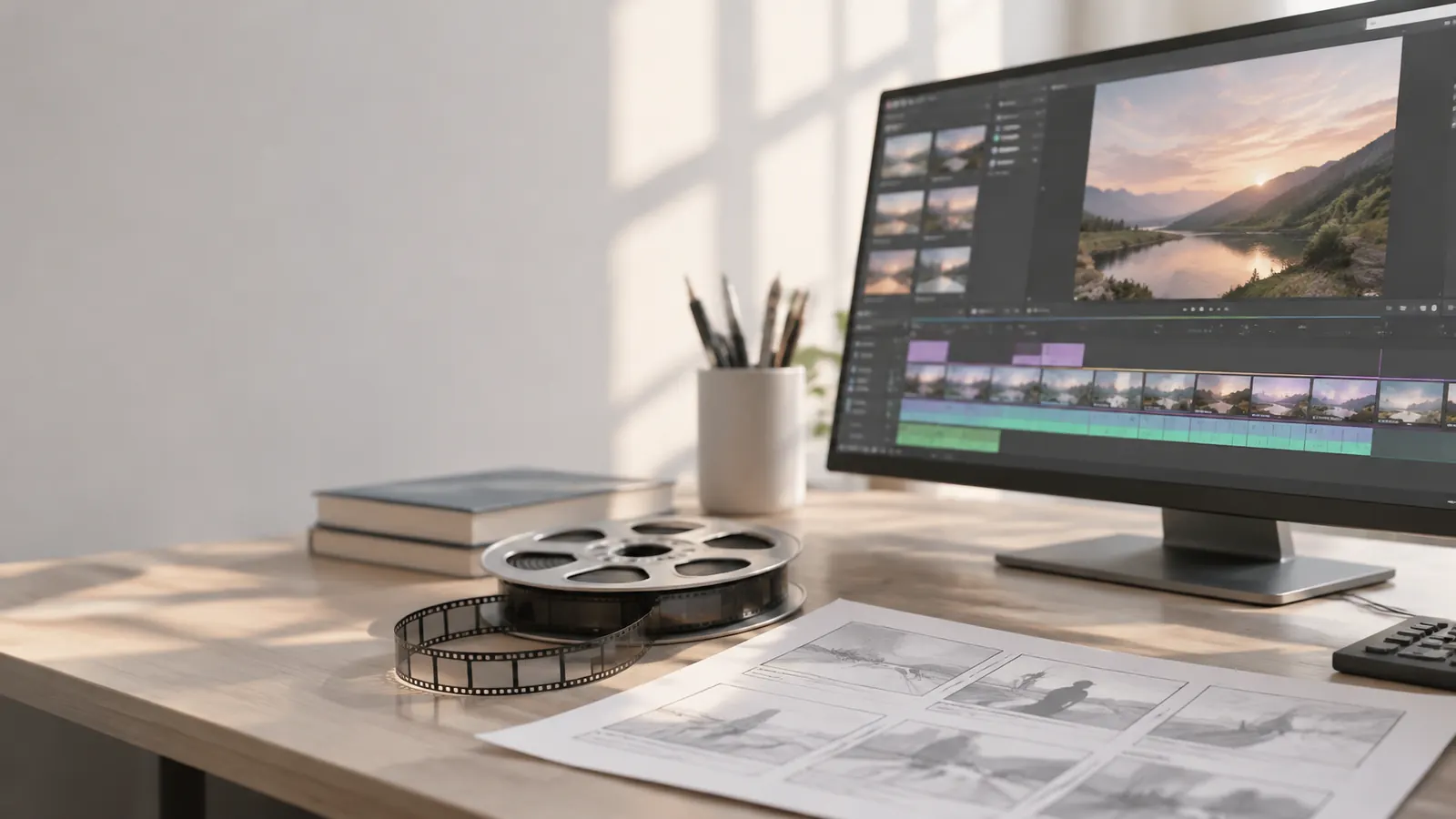
How the AI movie maker works
- Start a video. Pick the frame shape (16:9 for widescreen, 9:16 for vertical), the type (drama or commercial), the camera (steady or handheld) and one of twelve looks, from 1940s noir to cel animation. Add a logline: one sentence on what the film is about.
- Plan the reels. Scenaloom splits the film into reels of 5 to 15 seconds, each with one to four timed shots that say what the camera sees and hears. Keep, edit or rewrite them before anything is generated.
- Draw a frame. A storyboard frame for a reel shows what the take will look like, so you can fix framing or casting while it costs a frame rather than a video.
- Shoot the take. A video model renders the reel from its shot list, look and direction. A reel can continue from the one before it, so the action carries across the cut.
- Cut the film. The timeline puts the takes in order with audio tracks and subtitles. Play it through, share a link, and export the film as a video file.
Keeping characters and places the same
The hard part of an AI film is not one good clip; it is the tenth clip still looking like the first. In Scenaloom the cast and locations live in the project's story bible, with their pictures. Each reel names who is in it and where it happens, and models that take reference images receive those pictures with every take, along with the film's look. Models that work from text only get the descriptions, and the reel says so before you shoot.
What it costs
Frames, takes and narration use credits, and the price of each run is shown on its button before you start. It depends on the model and the length of the clip. If a model fails to finish a take, the credits go back to your balance. Free accounts get daily refresh credits and a daily spending limit; see plans and pricing.
Vertical films and short series
Choose 9:16 when you create the video and every frame and take is drawn vertical, for phone screens and short-form platforms. For a series, write the episodes as a script project first: the same cast and places then carry from episode to episode.
Script to video AI: how a script becomes shots, frames and video
If you already have a screenplay, Scenaloom turns it into video scene by scene, and you approve each step before anything is generated:
- Write or import the script. Scene headings become scenes, and character cues and scene headings become the cast and locations of the project's story bible. Give the main characters and places a picture there.
- Fill reels from the script. In Production, each scene is drafted into reels of 5 to 15 seconds, and Suggest shots proposes the timed shots for a reel. Each reel names its cast, its location and its direction for mood, lens and light; edit any of it first.
- Draw the frames. A storyboard frame shows what each reel's take will look like, drawn with the cast and location pictures, so you fix framing while it costs a frame rather than a video.
- Shoot the takes. A video model renders each reel from its frame, shots and direction. Shoot again until you have the take you want, and pick it as the final take.
- Cut the film. The chosen takes play in order on the timeline with audio and subtitle tracks, and the film exports as a video file from your browser.
If you are starting from an idea instead, the logline is enough to plan the first reels. Either way the story stays in one project, so the next take starts from the decisions the film has already made.
Start a video or read how storyboards and production work.
Questions
Can AI make a whole movie?
AI video models make short clips, usually a few seconds to about fifteen. A film is made by planning many clips, keeping the characters and places consistent between them, and cutting them together. Scenaloom does that planning and cutting around the models: reels of 5 to 15 seconds, each with its own shot list, assembled on a timeline and exported as one film.
How to create a video from a script using AI?
Import or write the script in Scenaloom, then open Production: each scene is drafted into reels of 5 to 15 seconds with suggested shots. Draw a storyboard frame for each reel, shoot a take with an AI video model, pick the best take, and the timeline cuts the takes together for export as one video. The cost of each frame and take is shown before you run it.
How to make an AI video with a script?
Start with a script whose scenes have clear headings and characters, because those become the reels, the cast and the locations. Give each main character and place a picture in the story bible so every take uses the same faces and settings, choose the frame shape (16:9 or 9:16) and a look, then go scene by scene: frame first, then the video take.
How do I keep the same character in every AI video clip?
Give the character a picture and a description once, in the project's story bible, and name them in each reel. Models that accept reference images then receive that picture with every take. Continuing a reel from the previous one also keeps the action and framing connected across the cut.
Can I make vertical 9:16 videos?
Yes. Choose portrait 9:16 when you create the video project; every frame and take is then drawn vertical. The shape is fixed once the first frame is drawn, so a film doesn't mix shapes.
How much does it cost to make an AI film?
Each frame, take and narration has a price in credits, shown on its button before you run it; it depends on the model and the clip length. Failed takes are refunded. Free accounts get daily refresh credits; paid plans add monthly credits, and credit packs can be bought.
Can I export the finished film?
Yes. The timeline exports the cut as a video file in the browser, up to 30 minutes per film. Keep the tab visible while it encodes.