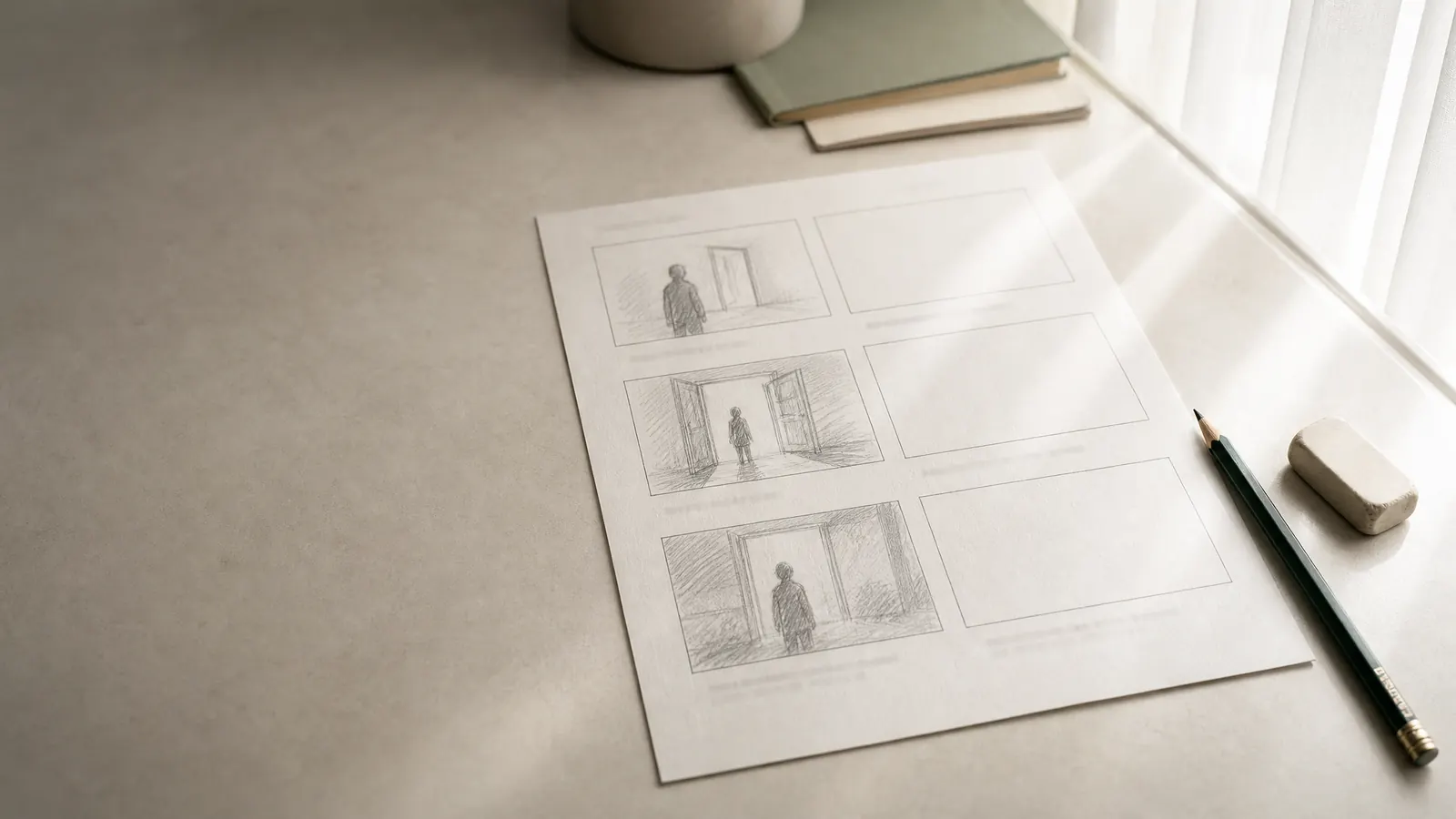
A shot list template is a table with one row per camera setup and columns for scene, shot number, shot size, angle, movement, lens, description, cast, location and duration or notes. Filled in from the script, it becomes the plan a director, cinematographer and assistant director use to schedule and shoot each scene.
This page gives you the standard columns, the shot size abbreviations most crews use, a shot list example for a short original scene and a step-by-step way to make one. It assumes you already have a scene written; if not, the screenplay format guide covers how the script itself is laid out.
What is a shot list?
A shot list is a written breakdown of every shot a scene needs, in the order the story will cut them together. It sits between the screenplay, which says what happens, and the shooting schedule, which says when each setup is filmed. A storyboard draws the same shots as pictures; a shot list describes them in a table that is quick to sort, share and tick off on set.
The shot list template: standard columns
Copy these columns into a spreadsheet. Not every production needs all of them, but these ten cover most short films, music videos and features:
- Scene: the scene number from the script, so shots can be sorted back into script order.
- Shot: a number within the scene (1, 2, 3, or 4A when a shot is added later).
- Size: how much of the subject fills the frame (see the abbreviations below).
- Angle: eye level, low, high, Dutch, bird's-eye or worm's-eye.
- Movement: static, pan, tilt, dolly in or out, handheld, crane or zoom.
- Lens: focal length, such as 24mm, 35mm or 85mm.
- Description: what the shot shows, in one sentence, written so someone who has not read the script understands it.
- Cast: who is in frame.
- Location: where it is shot, which may differ from where the story says it happens.
- Duration and notes: the estimated screen time and anything the crew needs: props, effects, sound, a performance note.
Download the shot list template
The template below has the eleven columns from this page, three filled example rows and blank rows to continue. It is a CSV file, so it opens in Google Sheets, Excel and Numbers and keeps working when you sort or filter it.
Shot list template (CSV)Opens in Google Sheets, Excel or Numbers. free, no sign-up
In Google Sheets choose File, then Import, then Upload; in Excel or Numbers open the file directly. Freeze the header row so the column names stay in view as the list grows.
Shot size abbreviations
Shot lists use short codes so a column stays narrow. The meanings are broadly shared, though crews vary at the edges:
- WS (wide shot): the whole subject and much of the location. An EWS or establishing shot shows the place itself.
- MS (medium shot): a person from roughly the waist up. MCU, medium close-up, is chest up.
- CU (close-up): the face, or one object filling the frame.
- ECU (extreme close-up): a detail, such as eyes, a hand on a key or a line of text.
- OTS (over-the-shoulder): framed past one character's shoulder onto another, the backbone of most dialogue coverage.
- POV (point of view): what a character sees, from where they are standing.
- Insert: a close shot of an object or detail cut into a scene, often filmed separately from the actors.
Two-shot (2S) for two people in one frame and single for one person are also common.
A shot list example for a short scene
Here is a scene from an invented short, followed by a filled shot list. It is one page of script and plays for roughly a minute.
INT. LAUNDROMAT - NIGHT

Rows of silent machines. PIA (30s) folds a child's sweater, again and again. The door chimes. HAL (60s), wet coat, sets a small parcel on the counter.

HAL
You left this at the house.

Pia doesn't look up.

PIA
I didn't leave it.

He pushes the parcel toward her. She stops folding.
And the shot list for it:
- Scene 12, shot 1: WS, eye level, static, 24mm. Laundromat interior, rows of machines, Pia small at the far counter. Cast: Pia. About 5 seconds; establishes isolation.
- Scene 12, shot 2: MCU, eye level, slow dolly in, 50mm. Pia folding the sweater, over and over. Cast: Pia. About 8 seconds.
- Scene 12, shot 3: MS, eye level, static, 35mm. Door opens, Hal enters, crosses to counter. Cast: Hal. About 6 seconds; door chime recorded wild.
- Scene 12, shot 4: OTS on Hal from behind Pia, 50mm. "You left this at the house." Cast: Pia, Hal. About 5 seconds.
- Scene 12, shot 5: OTS on Pia from behind Hal, 50mm. "I didn't leave it." Cast: Pia, Hal. About 5 seconds.
- Scene 12, shot 6: Insert, high angle, static, 85mm. Hal's hand pushes the parcel across the counter. About 3 seconds; parcel wrapped in brown paper, string.
- Scene 12, shot 7: ECU, eye level, static, 85mm. Pia's hands stop on the sweater. Cast: Pia. About 3 seconds; end of scene.
In a spreadsheet each of those becomes one row across the ten columns. Notice that shots 4 and 5 are the same setup turned around — on set they are grouped so the lights move once, even though they cut together in the order above.
How to make a shot list, step by step
- Read the scene and mark each beat — every moment something changes. Each beat needs at least one shot.
- Decide what the audience must see for each beat, then choose the size: wide to orient, closer to show feeling or detail.
- Add angle, movement and lens only where they mean something. A static eye-level shot is a choice, not a gap.
- Number the shots in story order and estimate each duration; the total should be close to the scene's screen time.
- Fill cast, location and notes so the assistant director can group setups by place and actor.
- Review with the cinematographer, then sort a copy by setup for the shooting day.
If you also draw frames, the shot list and the storyboard should share shot numbers so notes on one apply to the other. The Two Calls page in the Screenplay Museum is a useful practice scene: intercut phone calls force you to think about which side of the conversation each shot belongs to.
Camera movements in a shot list
Write the movement in the shot list exactly as the crew will say it on set. These are the terms most crews use:
| Movement | What the camera does | Use it to |
|---|---|---|
| Static | Stays fixed on a tripod | Let the action play; observe |
| Pan | Turns left or right on a fixed point | Follow action across the frame; reveal |
| Tilt | Turns up or down on a fixed point | Reveal height; move from detail to face |
| Push in / pull out | Moves toward or away from the subject on a dolly or slider | Build intensity; release or isolate |
| Truck (tracking) | Moves sideways alongside the subject | Travel with a walking character |
| Crane or jib | Rises or falls through space | Open or close a scene; show scale |
| Handheld | Held by the operator | Urgency, instability, documentary feel |
| Gimbal or Steadicam | Moves smoothly while handheld | Follow through spaces without cuts |
| Zoom | Changes focal length without moving | A deliberate, noticeable push or reveal |
Sharing the shot list with the crew
A shot list is a shared document. The director and cinematographer write it, the first assistant director turns it into a schedule, and on the day the script supervisor marks each shot done. Keep one copy that everyone works from, sort it by location and setup for scheduling, and sort it back into story order for the edit. When a shot is added on set, number it with a letter (12C) instead of renumbering the list, so notes and slates stay matched.
Does the shot list give the editor enough coverage?
Before the shoot, read the list as the editor will. Every scene needs a shot that shows where people are, close shots for the moments that matter, and somewhere to cut — a reaction, an insert or a cutaway. If a scene is a single shot, make sure that is a decision rather than an oversight. A common pattern for dialogue is a wide master, two over-the-shoulder shots and two singles.
Write it in Scenaloom
In Scenaloom, shots belong to the scene they shoot: open Storyboard, add shots under a scene heading or choose Suggest shots, and set size, angle, movement, lens, duration and a performance note for each. The same shots appear as a storyboard, a shot list table and a canvas, and Export can download them as a CSV sheet for Excel or Google Sheets. See storyboards and production for the rest, or start a project.
Questions
What should be included in a shot list?
A shot list should include the scene number, shot number, shot size, camera angle, camera movement, lens, a short description of what the shot shows, the cast in frame, the location and an estimated duration or notes. Smaller shoots can drop lens and angle; larger ones often add a status column to tick shots off on set.
What do WS, MS, CU and ECU mean on a shot list?
They are shot size abbreviations. WS is a wide shot showing the whole subject and setting, MS is a medium shot from about the waist up, CU is a close-up of a face or object and ECU is an extreme close-up of a small detail such as eyes or hands. OTS means over-the-shoulder and POV means a character's point of view.
What is the difference between a shot list and a storyboard?
A shot list describes each planned shot in words in a table — size, angle, movement, lens and action — while a storyboard draws the same shots as a sequence of pictures. Many productions use both, numbered the same way, so the storyboard shows how the scene looks and the shot list organizes how it is shot.
Who makes the shot list?
The director usually makes the shot list, often together with the cinematographer, who adds lenses, movement and lighting needs. The assistant director then uses it to group setups into a shooting schedule. On small productions, one person may write the script, the shot list and the schedule.
Does a screenwriter need to write a shot list?
Not for a spec script — screenwriters describe what the audience sees and leave camera choices to the director. A shot list becomes useful once a script is going into production, or when a writer is also directing their own short film and needs to plan the shoot.